
Change the Administrator Password
Note
Passwords must meet the following requirements:
Must contain 8 or more characters.
Must not contain more than 64 characters.
Must not contain any common, English, dictionary words that are more than 3 characters long.
Must not contain the user ID for this account.
Must not contain the email address for this account.
Must not contain any names associated with this account.
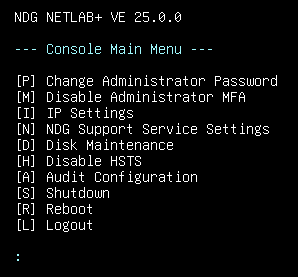
Press P to change the Administrator password.
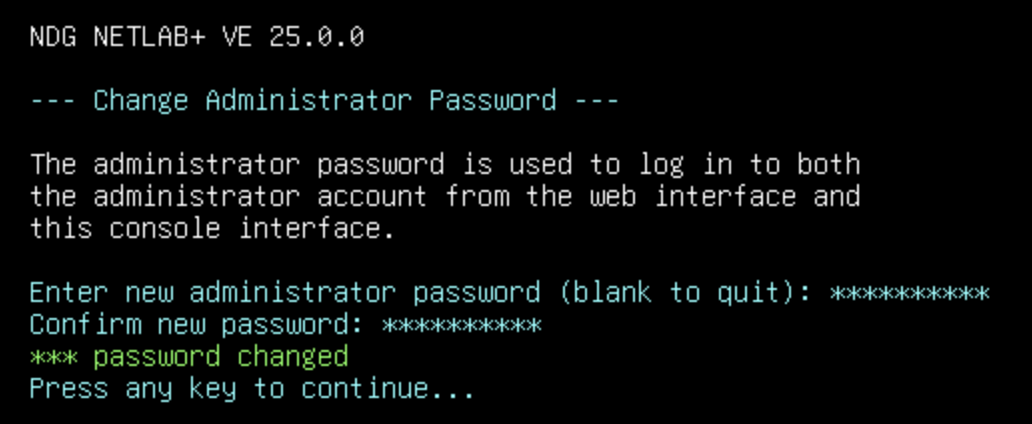
Enter a new Administrator password.
Confirm the new password by entering it in again.
Press any key to continue.
Warning
Please record your new password in a safe place. This password will also be used to log in to the administrator web interface.